Reports and downloads
Reports has your profit & loss, expenses by category, income, mileage log, who owes you, profit by job and 1099 contractors; owners and admins can download each as CSV, Excel or PDF.
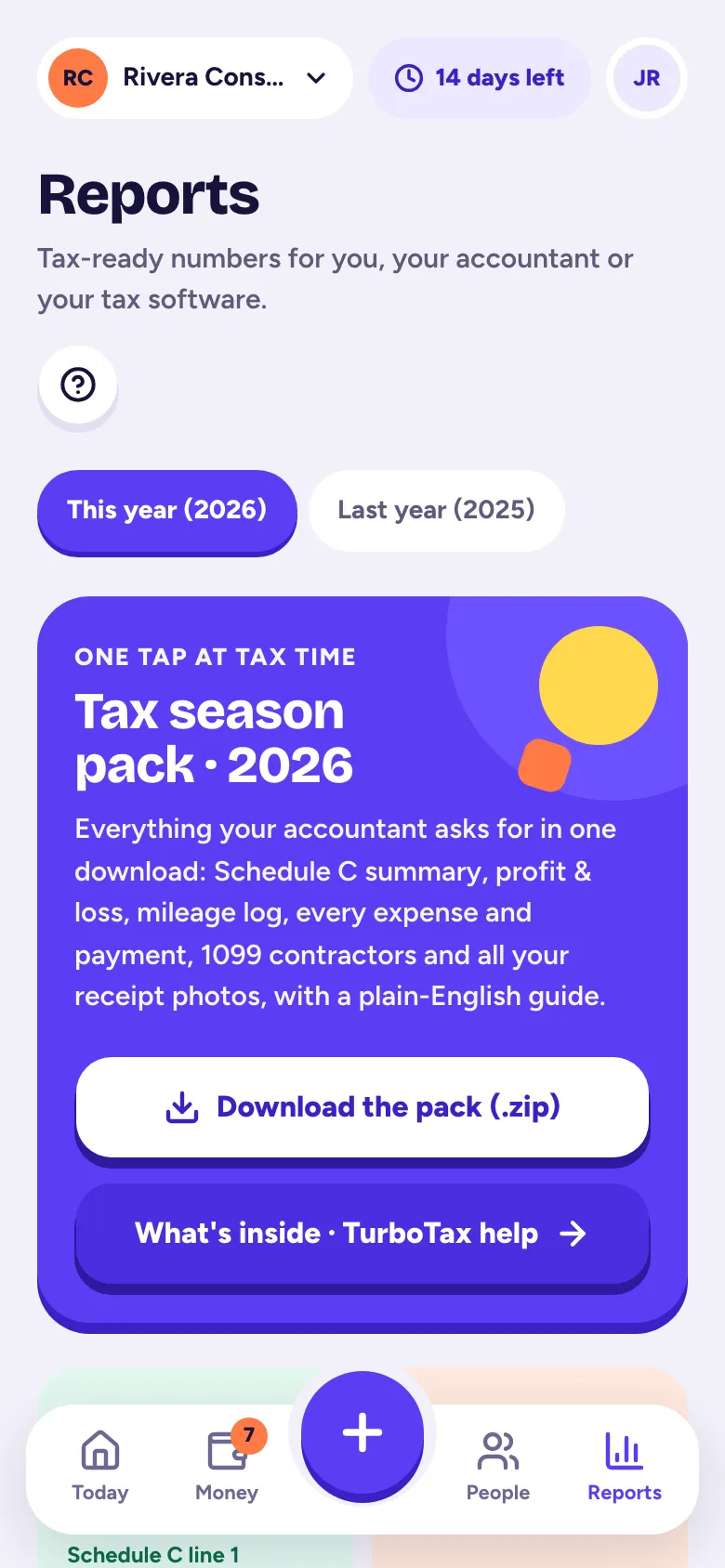
Reports turns what you've recorded into tax-ready numbers. Everyone in the business can look at reports; owners and admins can download them.
The reports
- Profit & loss: what came in, what went out and what you kept. Compare with the period before.
- Schedule C summary: your numbers by IRS Schedule C line. See Your Schedule C summary.
- Expenses by category: where your money went. Tap a category to see each expense.
- Income by category and payer: who paid you and for what.
- Mileage log: every business trip with date, route, purpose and miles, with totals per vehicle.
- Who owes you: unpaid invoices by how late they are, and what each customer has paid you.
- Profit by job: money in, expenses and mileage for each job, so you can see which ones pay best.
- 1099 contractors: who you paid and who needs a 1099-NEC. See Vendors and 1099 contractors.
Pick the dates
Open a report and pick a range at the top: this month, last month, this quarter, last quarter, year to date, last year, a tax year or your own dates. The 1099 report works by tax year.
Download
Under a report, tap CSV, Excel or PDF. CSV and Excel open in any spreadsheet app; the PDF is ready to print or email. Downloads are for owners and admins, and they always work, even if your account is read-only.
For everything at once, use the tax season pack.
Related articles
- Your Schedule C summaryReports → Schedule C summary lines up your income and expenses with IRS Schedule C, line by line, with your estimated net profit; it's on every plan.
- Get your tax season packReports → Tax season pack checks what's left to fix, then downloads one .zip with your Schedule C summary, P&L, mileage log, every expense and payment, receipts and a note for your accountant.
- Vendors and 1099 contractorsVendors are created as you type who you paid; mark people you pay for work as 1099 contractors and Tallibook tells you who needs a 1099-NEC.
- Track your jobs, projects, deals or gigsA job ties a customer to your time, costs, mileage and invoices, so you can see what you really made on it.
Still stuck?
Email us at hello@tallibook.com and tell us what you were trying to do.