Help center
How can we help?
Plain-English answers for every part of Tallibook: receipts, miles, invoices, imports, taxes, plans and your team.
Popular articles
- Getting started with TallibookCreate your account, answer three quick questions about your business, and you land on Today, ready to snap a receipt or log a trip.
- Snap a receiptTap + and Snap a receipt, take a photo, and we read the amount, date and store for you; check it and tap Looks good, save it.
- Log a tripTap + and Trip, enter where you went, why and how far, and Tallibook works out the deduction at the IRS rate for that day.
- Make and send an invoiceTap + and Invoice, pick the customer, add what you're billing for, save it, then tap Send invoice; your customer gets an email with a link and a PDF.
- Import a bank or card statementIn Money → Import, pick the account, drop in the statement your bank lets you download (CSV, Excel, OFX/QFX/QBO or PDF), check the preview and import; it all lands in To review.
- Get your tax season packReports → Tax season pack checks what's left to fix, then downloads one .zip with your Schedule C summary, P&L, mileage log, every expense and payment, receipts and a note for your accountant.
- Your free trial, and what happens afterEvery new business gets a 14-day free trial with every Pro feature and no card; if you don't pick a plan by the end, your books turn read-only, never locked.
- Move to Tallibook from another appExport your customers, recurring charges, open invoices and products from your old app, drop the files into Move to Tallibook, check one summary and bring it in; you can undo it.
Watch the videos
All videos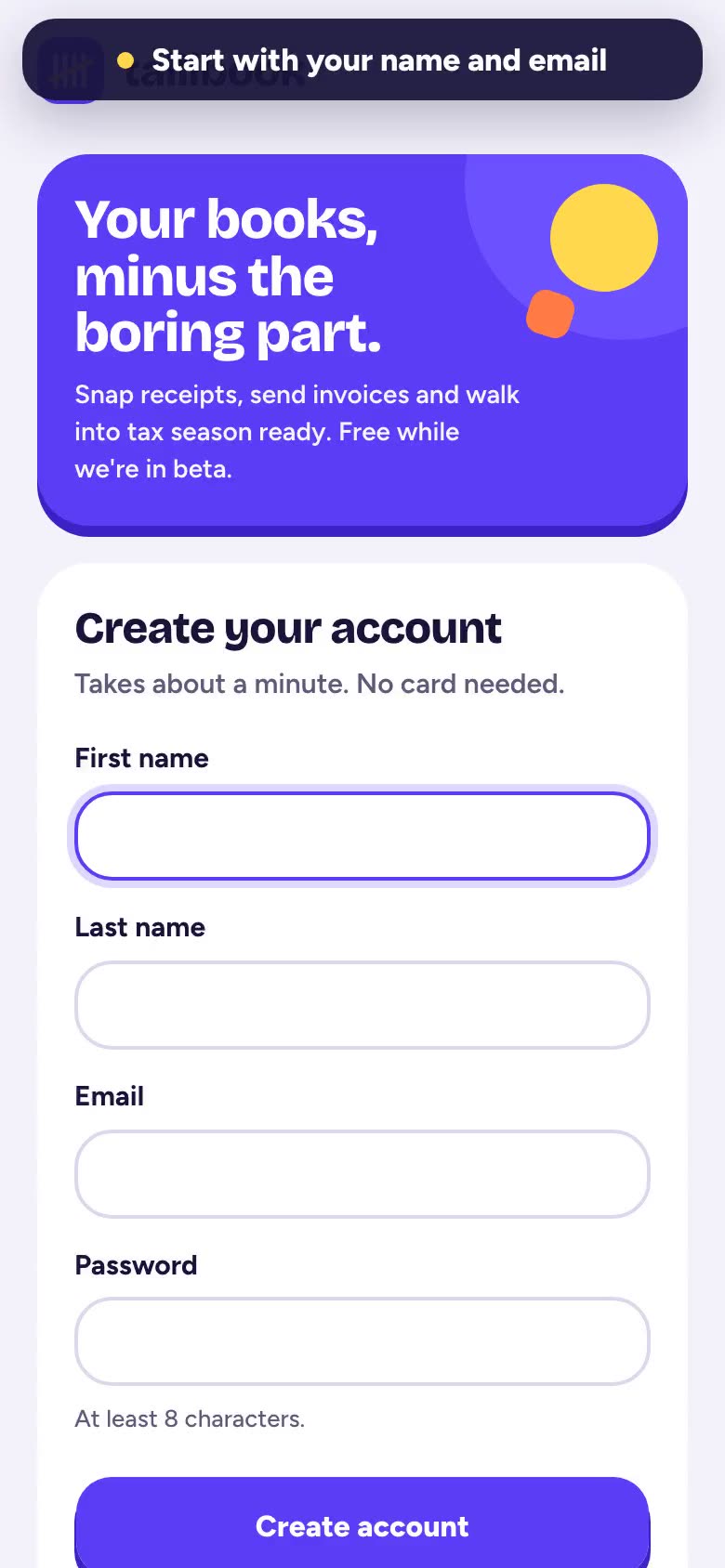 0:55Getting startedCreate your account, tell Tallibook about your business, and find your way around in under a minute.
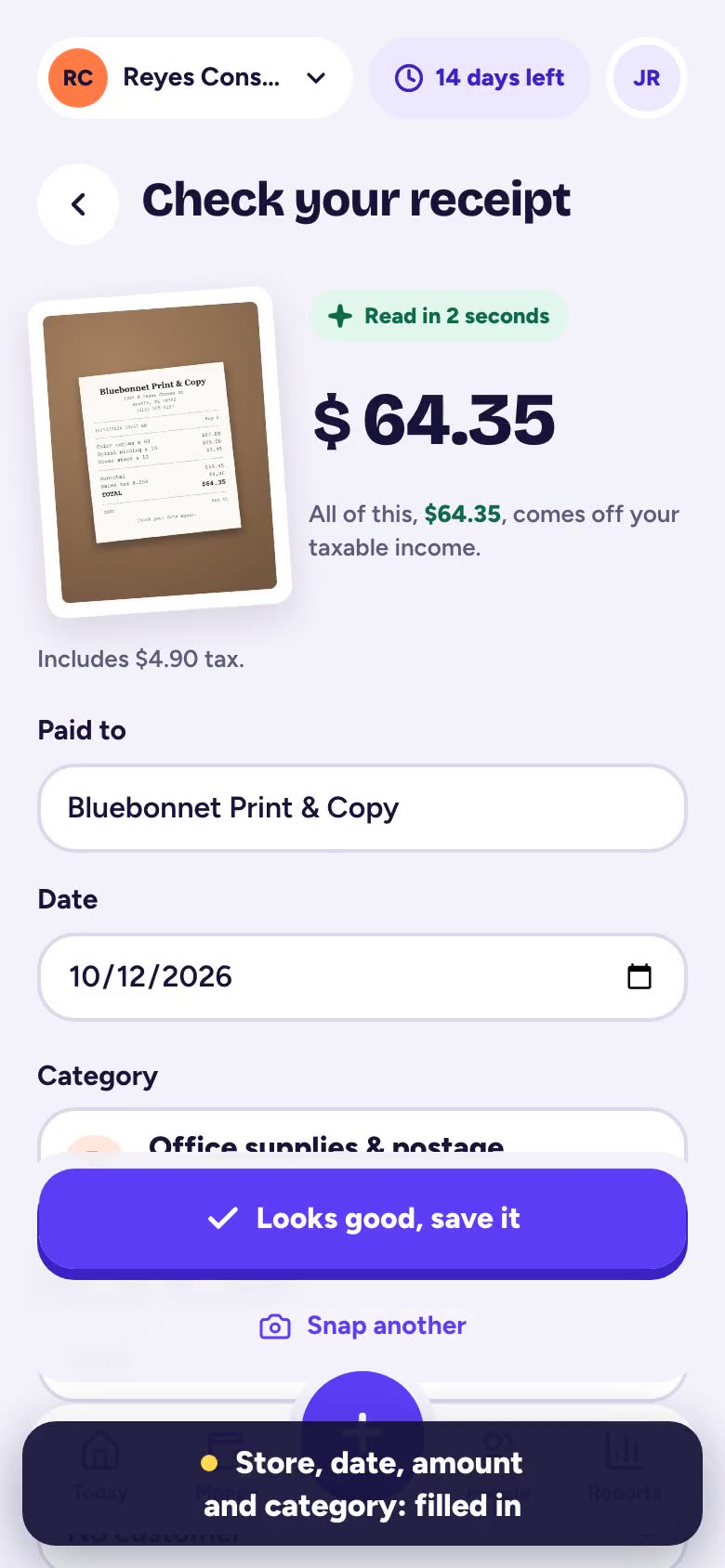 0:25Snap a receiptTake a photo of a paper receipt and Tallibook reads the store, date and amount for you.
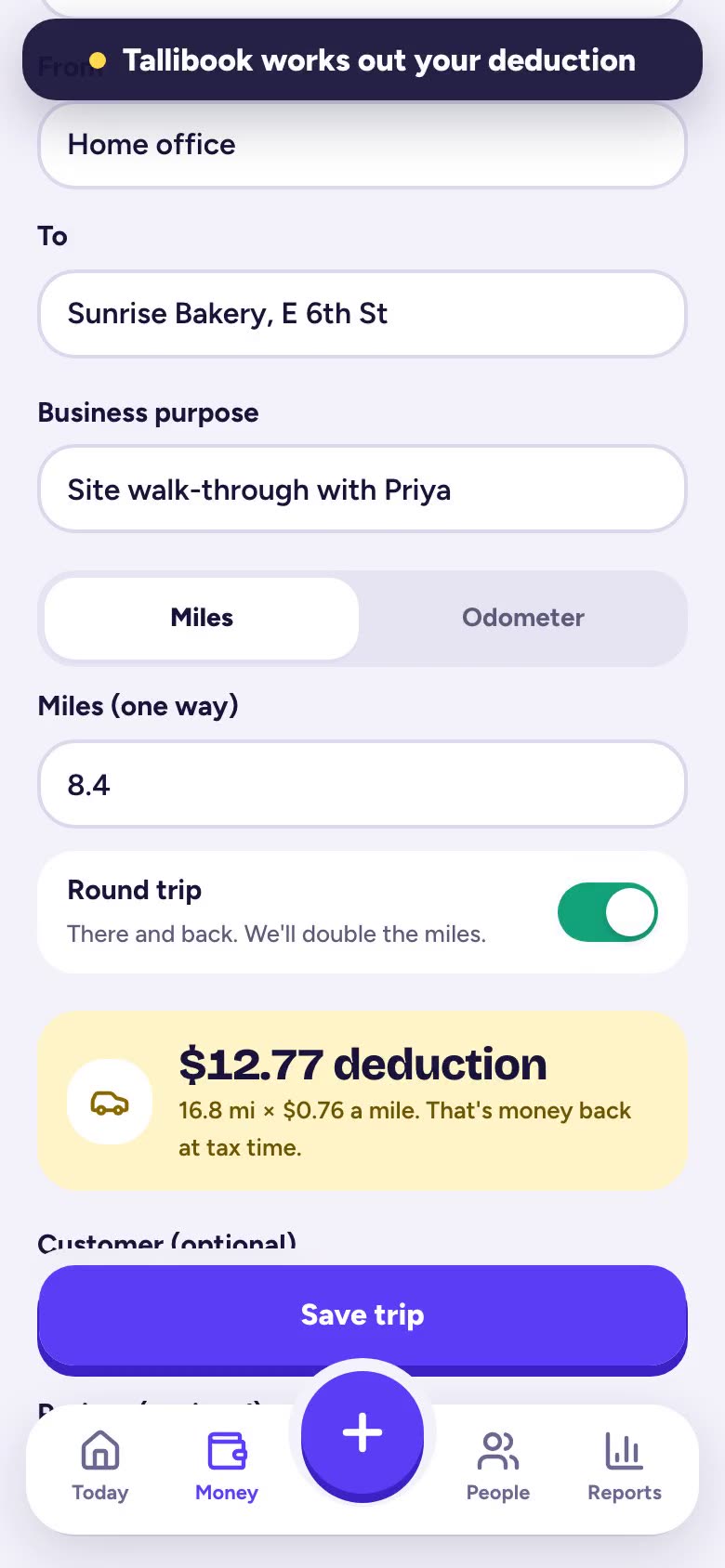 0:32Log a tripRecord a drive for work and see your mileage deduction add up.
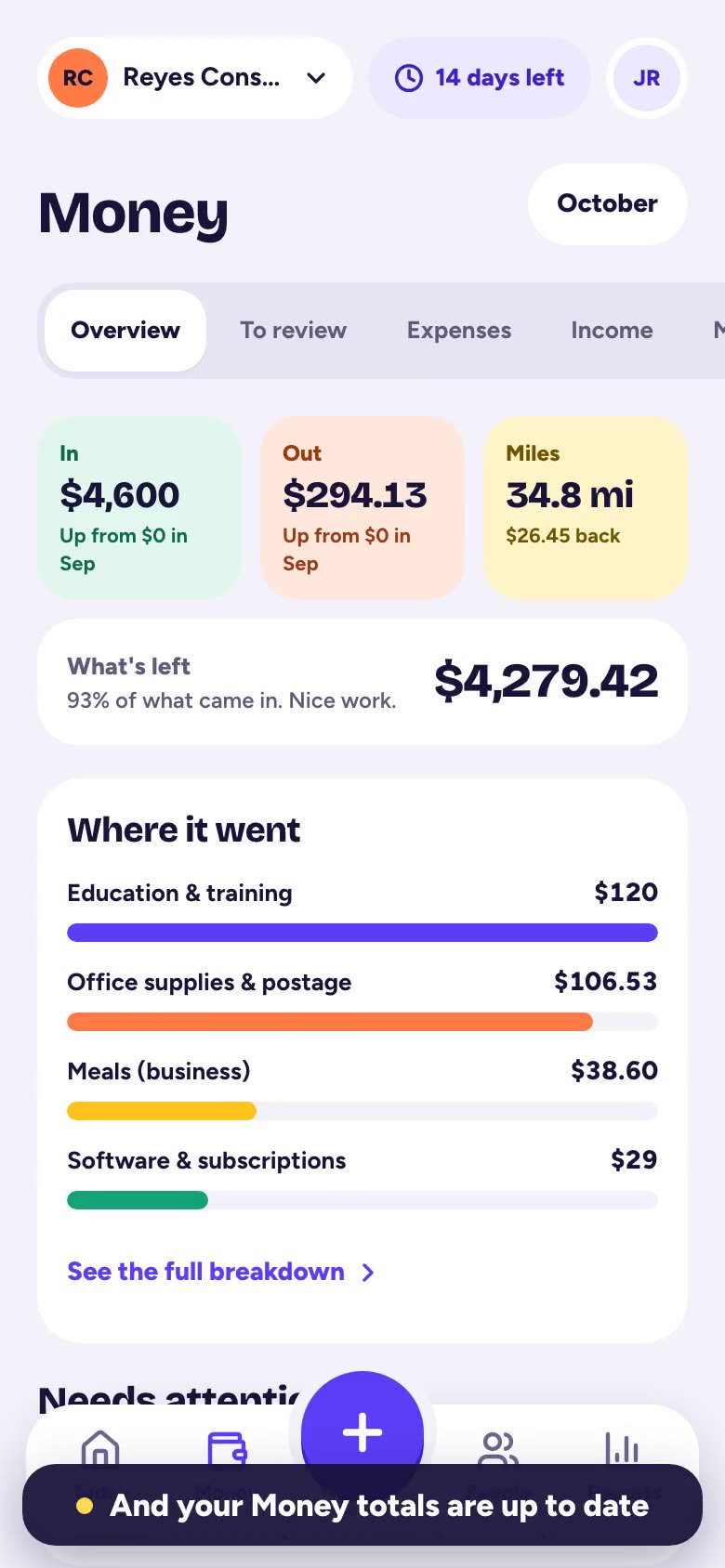 0:33Record money inLog a payment you received, like a check or a transfer, so your income is always up to date.
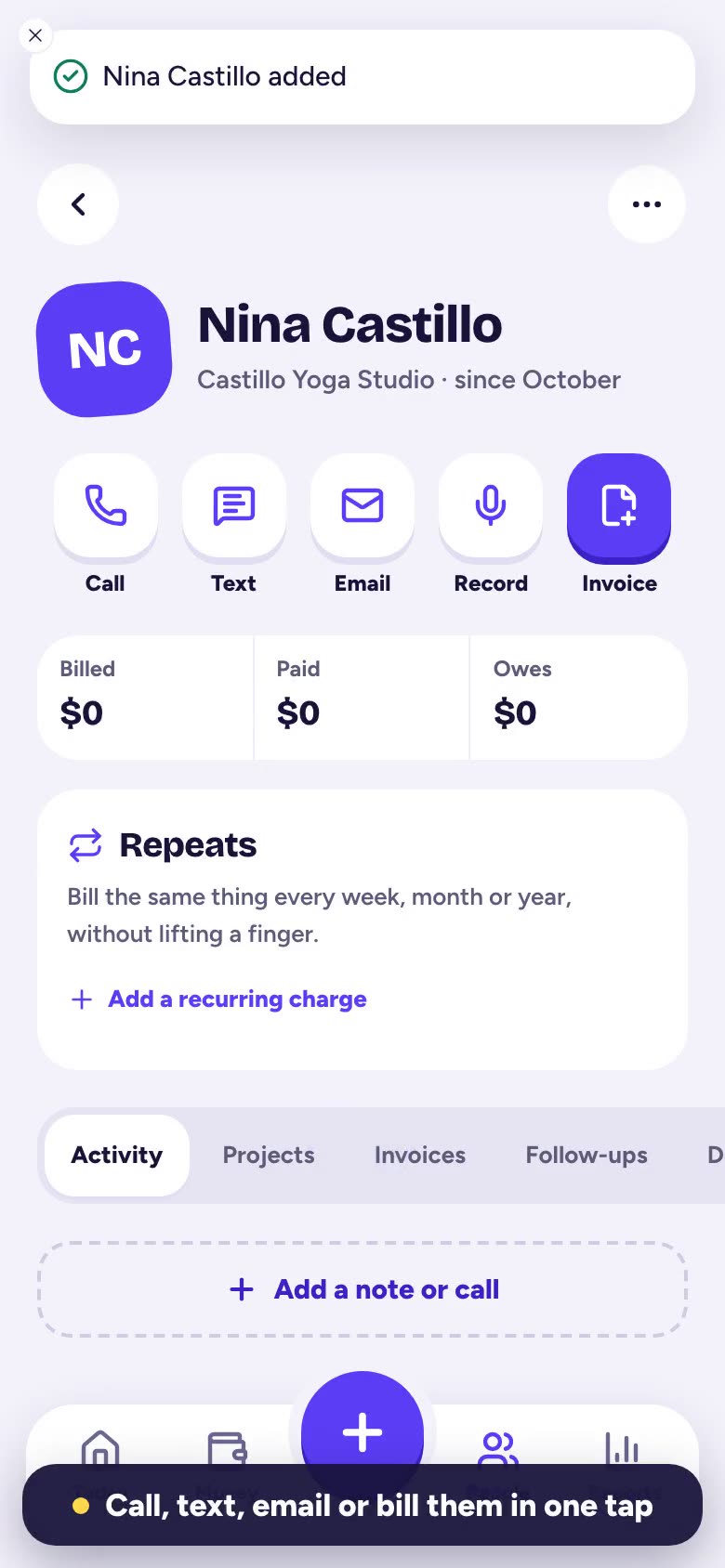 0:31Add a customerSave a new customer with just a name, plus a phone number and email if you have them.
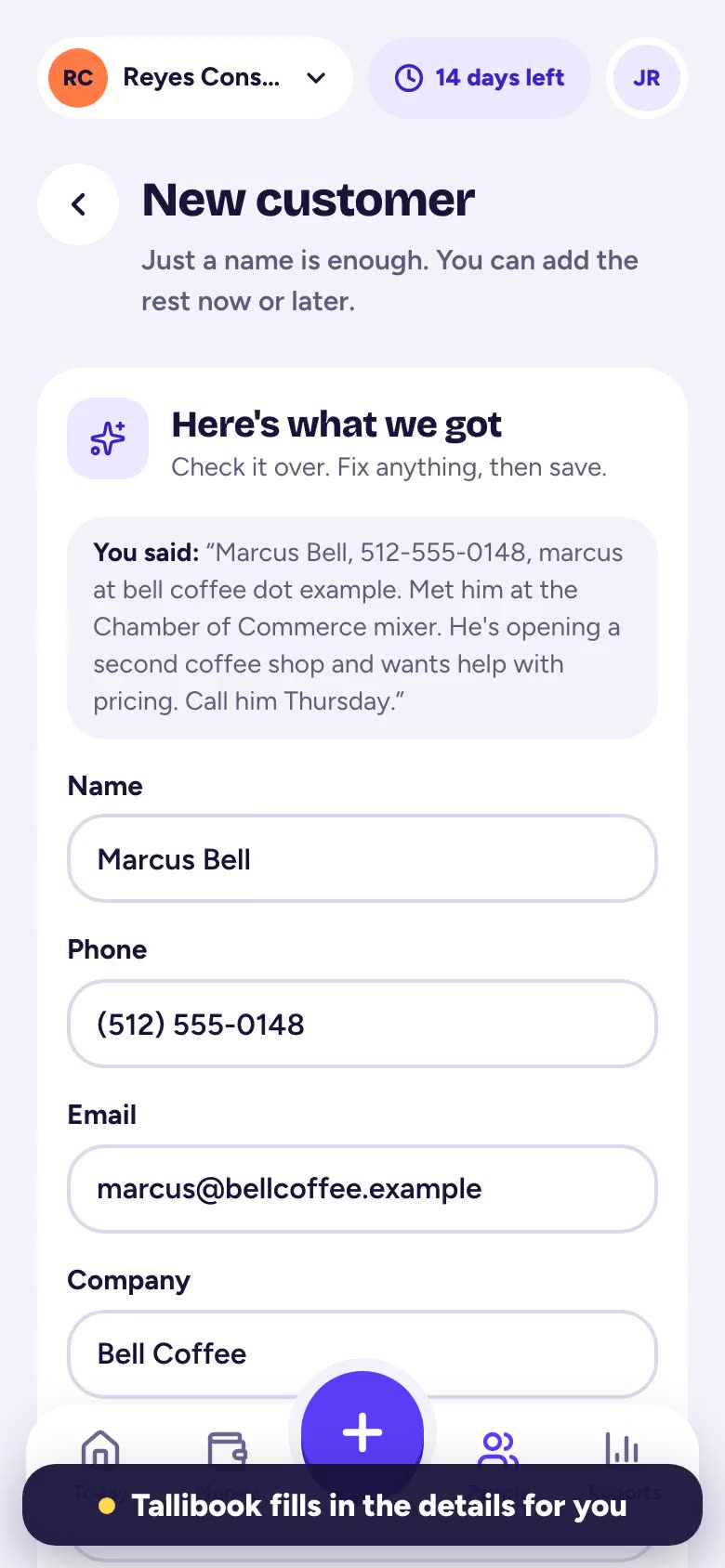 0:35Add a contact by voiceJust say who you met and Tallibook fills in the new contact for you to check and save.
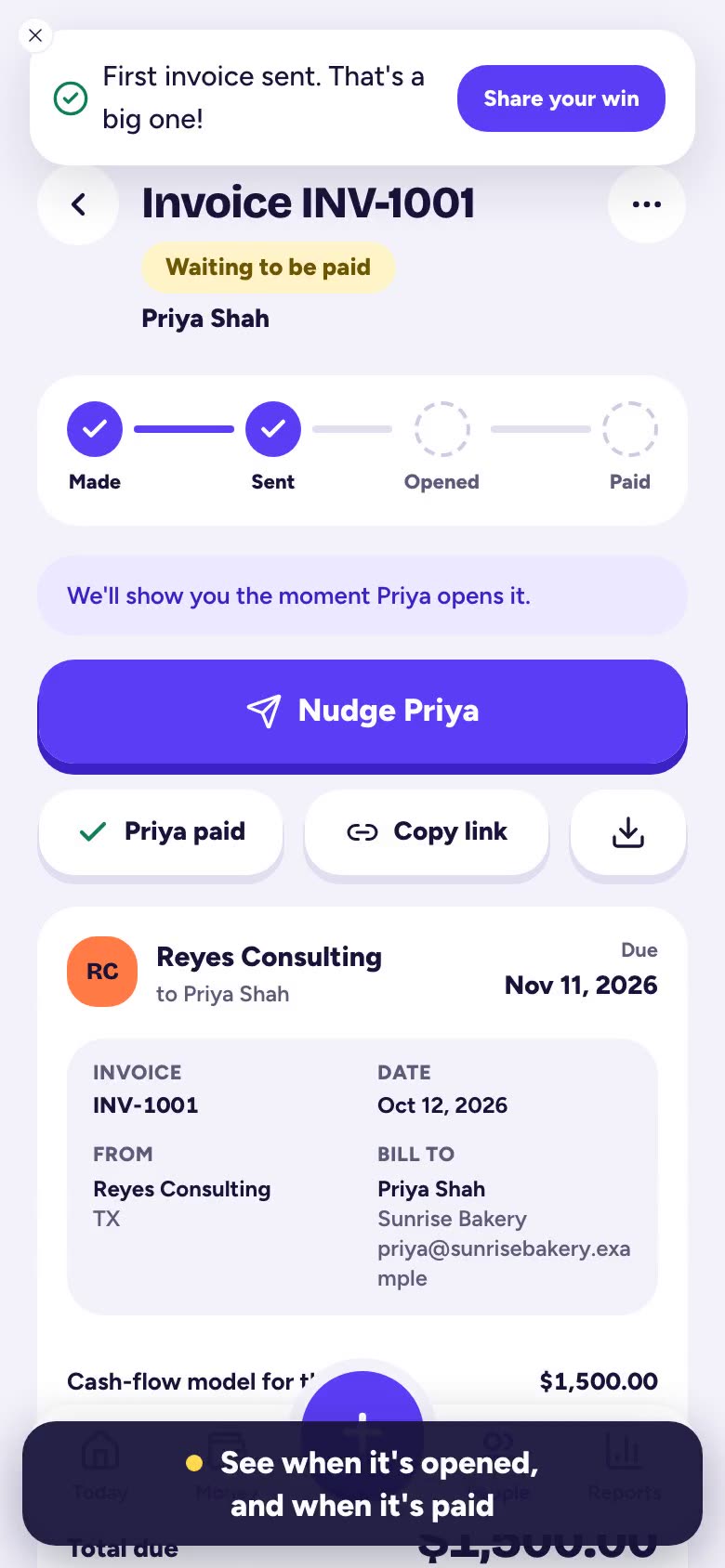 0:35Send an invoiceMake an invoice for a customer, send it by email, and see when it's opened and paid.
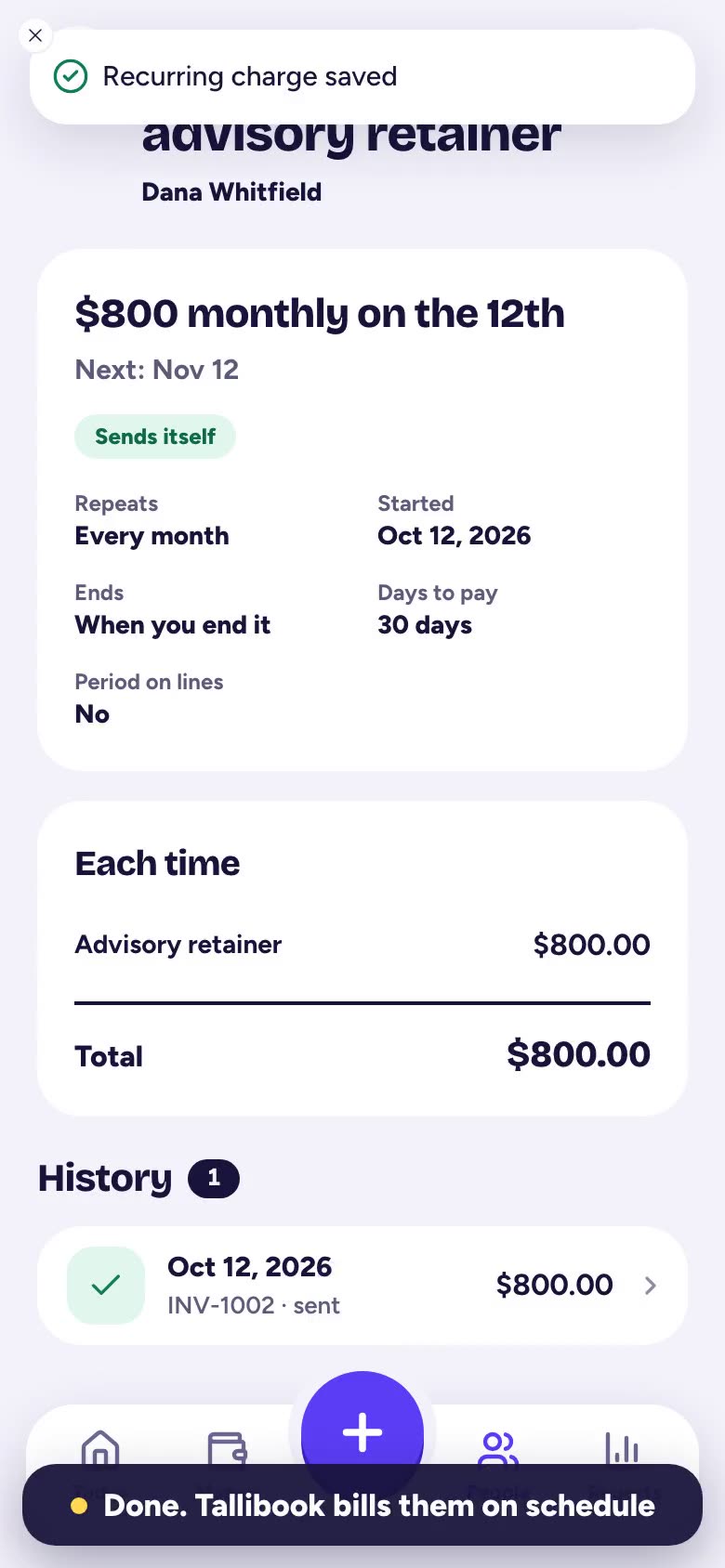 0:29Set up recurring billingBill a customer the same amount every month (or week, quarter or year) without lifting a finger.
Browse by topic
Getting started
Set up your business, find your way around and put Tallibook on your phone.4 articlesMoney in & out
Receipts, expenses, income, categories, and sorting business from personal.6 articlesMileage & vehicles
Log business trips, add your car and see what your miles are worth.3 articlesCustomers & work
Customers, jobs, follow-ups, contacts by voice and recorded meetings.5 articlesInvoices & getting paid
Send invoices, record payments, nudge late payers and bill on repeat.7 articlesBringing data in
Move from another app, import bank statements and forward receipt emails.6 articlesTaxes & reports
Your Schedule C summary, the tax season pack and sharing with your accountant.5 articlesPlans, trial & billing
The free trial, what each plan includes and inviting a friend.3 articlesAccount & team
Your business profile, your team, roles and signing in.4 articlesTroubleshooting
Fixes for uploads, emails that didn't arrive and receipts we couldn't read.4 articles
Still stuck?
Email us at hello@tallibook.com and tell us what you were trying to do.
New to Tallibook?
Snap receipts, log miles and send invoices from your phone. Your Schedule C summary builds itself.
Start free trial
14 days, every Pro feature, no card.